
For Onboarding
Hobbes is a browser agent that guides users through your product and does the setup for them. It works in their live account, answers questions, and gets them ready to use what they bought.



How Hobbes Does It
New users tell Hobbes what they need to do. It works in their live account to complete the setup and their first task, explaining each step as it goes.

The kickoff call isn't the finish line.
Your champion may know where to start. The rest of the team still needs accounts configured and a first task completed. Hobbes gets each user from a fresh login to a product they can use.

Ask for the result. Hobbes does the setup.
A user asks, “Can you build my first report?” Hobbes connects their data, creates the report in their live account, and explains what it did. The user starts with a finished result.

Start with the job they came to do.
An admin can ask Hobbes to configure the account. A new teammate can ask it to complete their first task. Hobbes guides each person through the product while doing the work with them.

Let CS focus on the customer.
Hobbes handles repeatable setup and product questions. Your team can focus on rollout decisions, complex account requirements, and customers who need a person.

Work in the product your users actually use.
Hobbes works in each user's live account, with their data and settings. They learn as it goes, and the work stays done when the conversation ends.
Start with your product.
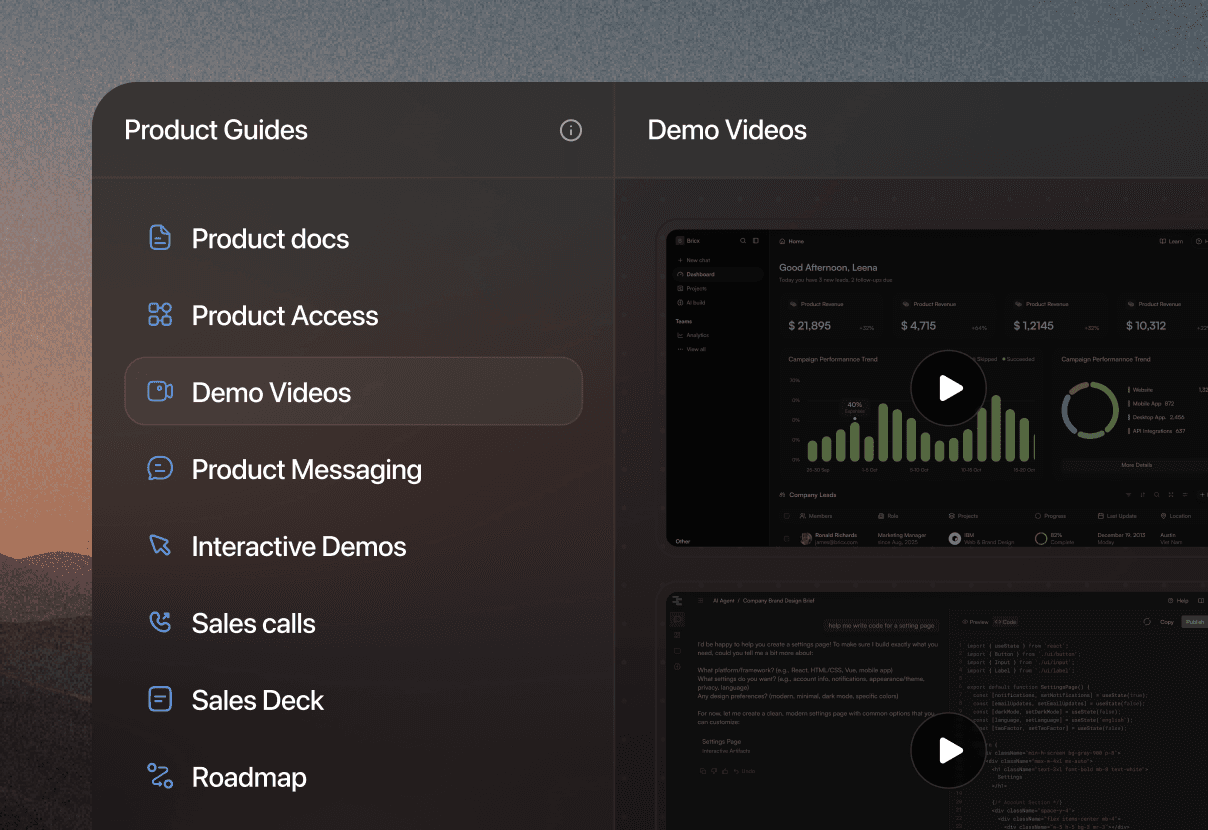
Give Hobbes access to your product and the materials your team uses to onboard customers. Teach it the setup tasks you want it to handle and the answers your users need.

Make the first session count.
Turn a new login into a completed task. Users leave with an account that's ready and a clearer understanding of how to use your product.
Integrations
Connect your website and the tools your team uses.










Explore More

FAQ

See a browser agent do the work.
Ask Hobbes a product question. See how it guides you through the product and carries out the next step.